It is now possible to create "scripted expression" drivers by simply
clicking on some property, and typing some short Python expression
prefixed with a '#'. This will result in a scripted expression driver,
with the typed-in text being created.

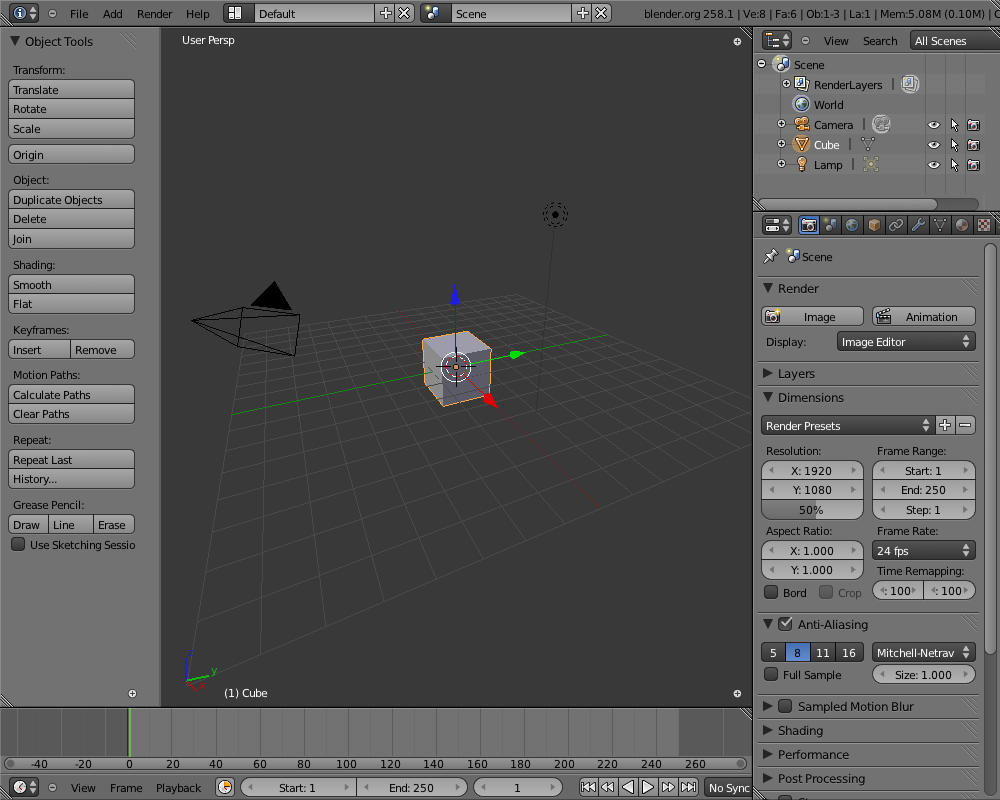
For example, you can click on X-Location of the default cube, and
type:
#sin(frame)
and a new driver will be created for the x-location of the cube. This
will use the current frame value, and modulate this with a sine wave.

Do note though, that the current frame is a special case here. In the
current implementation, a special "frame" driver variable, which
references the current scene frame is created automatically, so that
this simple and (assumed) common case will work straight out of the
box.

Future improvements:
- Explore possibilities of semi-automated extraction of variables from
such expressions, resulting in automated variable extraction. (Doing
away with variables completely is definitely 100% off the agenda
though)
- Look into some ways of defining some shorthands for referencing
local data (possibly related to variable extraction?)
The Keying Set paths list now shows the icon of the type of ID-block
that a path item refers to. This make it easier to make snese of the
paths shown in the list.
Closed regions didn't always draw the (+) icon right place, confusing
for users.
Next to that, I think this icon is using a bad metaphor or visual language,
Illustrated best if you close a header in outliner or buttons. Icons are
UI widgets, for screen/editor layouts different controls can be stylized.
My preference is something that aligns visually to the seperators between
regions; for testing and hacking pleasure I've added two quick versions,
a small tabbish thing and a triangle. Enable these with debug menu,
ALT+CTRL+D, values 1 or 2.
This is simply drawn with opengl now. An image for it can be made as well.
Previews:
http://www.blender.org/bf/closed_regions1.pnghttp://www.blender.org/bf/closed_regions2.pnghttp://www.blender.org/bf/closed_regions3.png
There's other design ideas to explore as well, like making region deviders
8-10 pixels wide, with a 'drag me' dot on it or so. That takes some screen
estate though, and will require to add big editor-dividers too...
Fun stuff for the mockup-mafia to check on, we have time :)
* After changing driver target settings, the driver F-Curves now have
their "disabled" flags cleared, so that they will be updated
immediately instead of needing a manual "Update Dependencies" flush
* Little comment tweak to appease my text editor
* Use the same method as from unlinking actions to do this.
* Split off the make single-user code used for the ID-browser into a
function in blenkernel which can be used elsewhere. Getting materials
to also work using this method proved to be a bit too tricky (due to
the whole messy ob vs obdata situation), so I haven't done that.
Usage currently is limited to:
- Panel text, widget text and label text style:
  point size, shadow effects

Setting individual fonts to these is not possible yet, it uses the
default for it.

Access goes via outliner now; check "User Preferences". UI team could
add this in userpref scripts :)
This commit adds an experimental effect strip to the sequencer: "Title
Card".

This is useful for adding simple one-line text section headers or
"title cards" (i.e. title + author/contact details) to video clips,
which is often seen in demo videos accompanying papers and/or
animation tests.

See http://aligorith.blogspot.com/2011/06/gsoc11-simple-title-
cards.html for some more details on usage.

Code notes:
- There are a few things I've done here which will probably need
cleaning up. For instance, the hacks to get threadsafe fonts for
rendering, and also the way I've tried to piggyback the backdrop
drawing on top of the Solid Colour strips (this method was used to
keep changes here minimal, but is quite fragile if things change).
This patch adds anisotropic filtering of textures in the viewport and the BGE. The quality of the filtering is adjustable in the user preferences under System. For more information on anisotropic filtering:
http://en.wikipedia.org/wiki/Anisotropic_filtering

One current limitation of this setup (having the option a user preference) is it makes runtimes more troublesome. Runtimes don't have user preferences set, so for now the blender player defaults to 2x AF. Options will be added later to change this value (probably a command line option).
there is a minor problem with this commit:
 0.00001 --> 0.00001 # good
 0.000015 --> 0.000015 # good
 0.0000199 --> 0.00002 # ok
 0.00002 --> 0.000020 # wrong, has trailing 0

Tried to fix this but the case is hard to check for without more calculations which Id like to avoid.