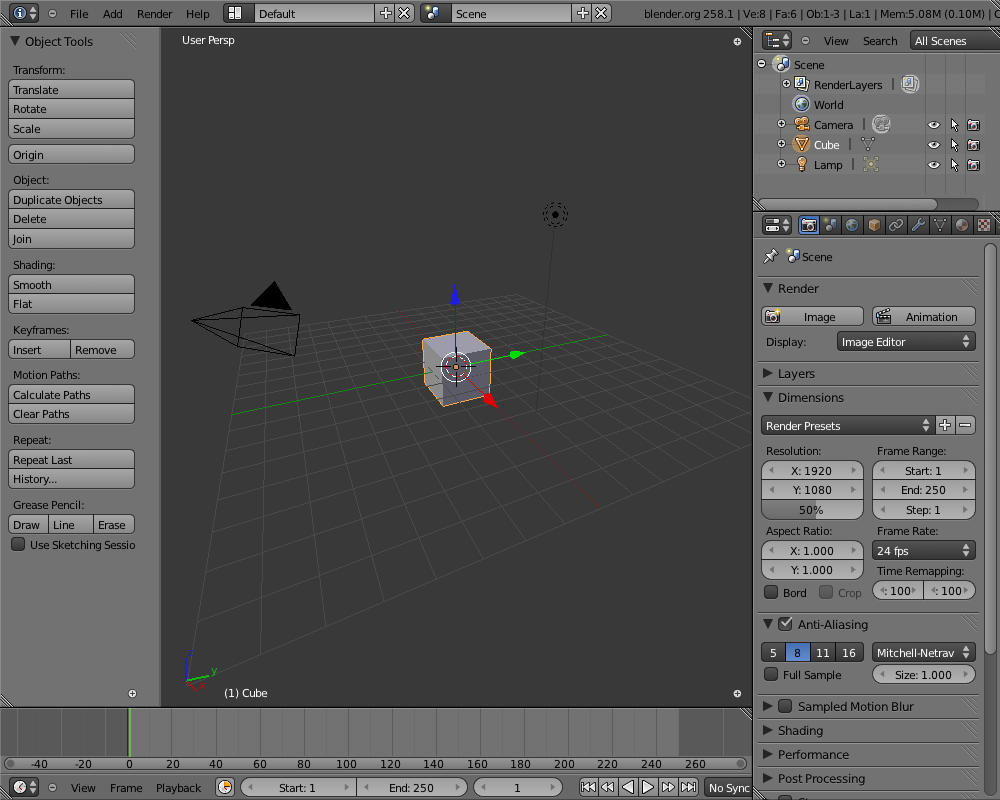
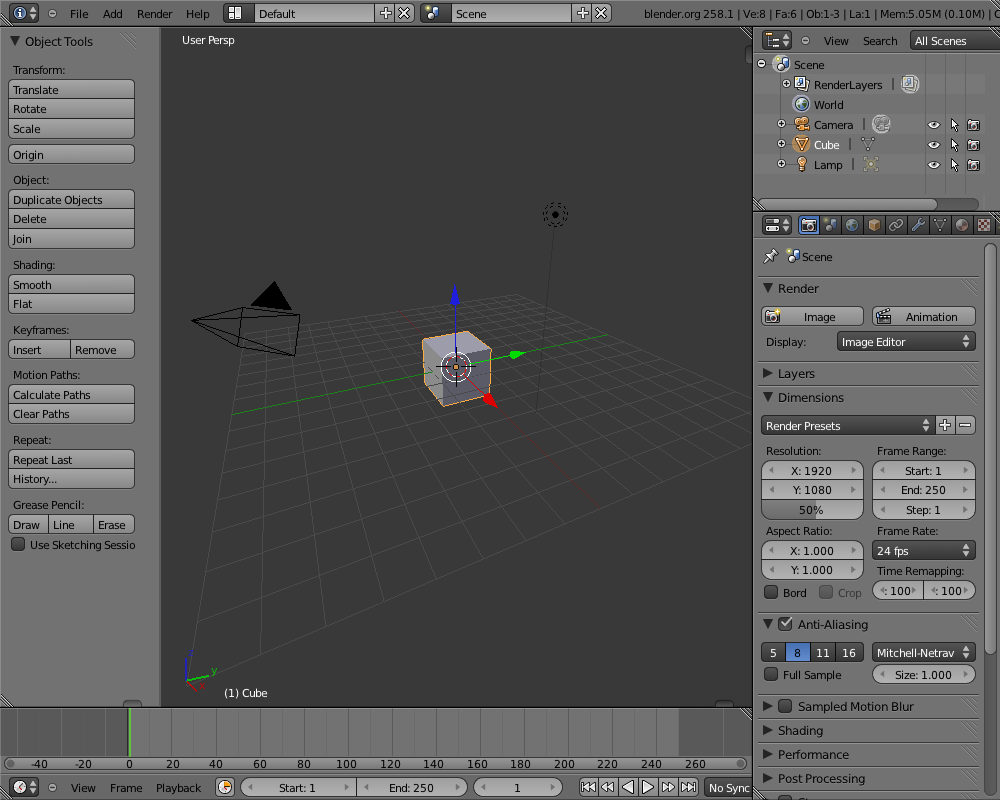
Closed regions didn't always draw the (+) icon right place, confusing
for users.
Next to that, I think this icon is using a bad metaphor or visual language,
Illustrated best if you close a header in outliner or buttons. Icons are
UI widgets, for screen/editor layouts different controls can be stylized.
My preference is something that aligns visually to the seperators between
regions; for testing and hacking pleasure I've added two quick versions,
a small tabbish thing and a triangle. Enable these with debug menu,
ALT+CTRL+D, values 1 or 2.
This is simply drawn with opengl now. An image for it can be made as well.
Previews:
http://www.blender.org/bf/closed_regions1.pnghttp://www.blender.org/bf/closed_regions2.pnghttp://www.blender.org/bf/closed_regions3.png
There's other design ideas to explore as well, like making region deviders
8-10 pixels wide, with a 'drag me' dot on it or so. That takes some screen
estate though, and will require to add big editor-dividers too...
Fun stuff for the mockup-mafia to check on, we have time :)
 06fcf2e6ef