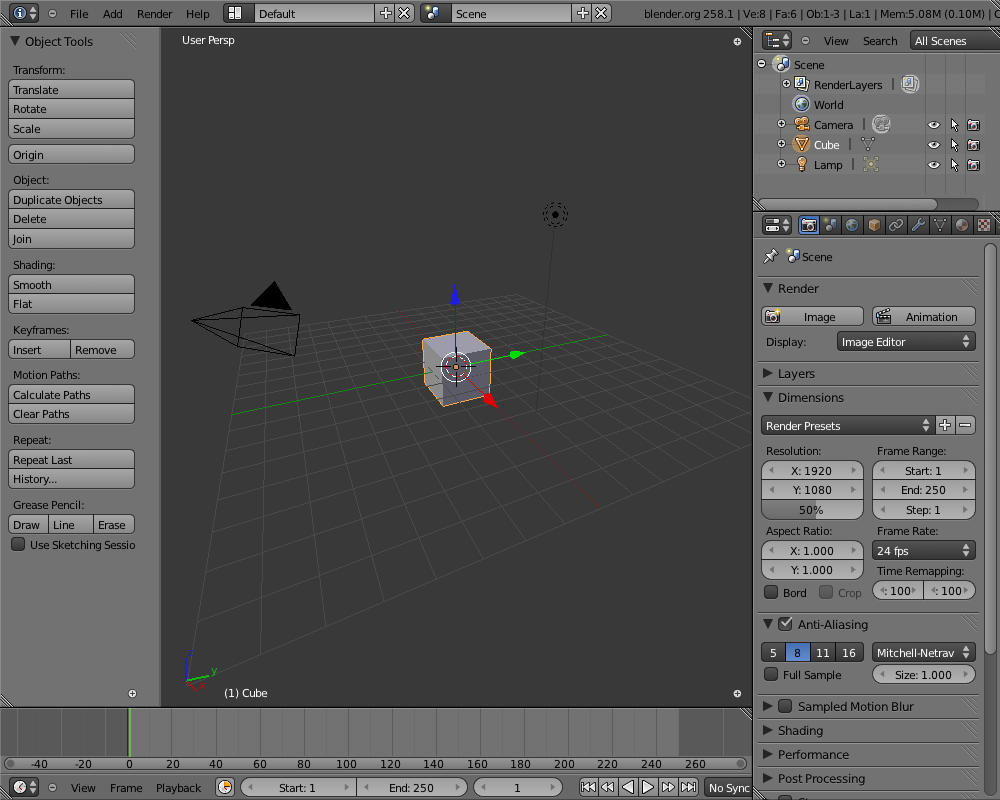
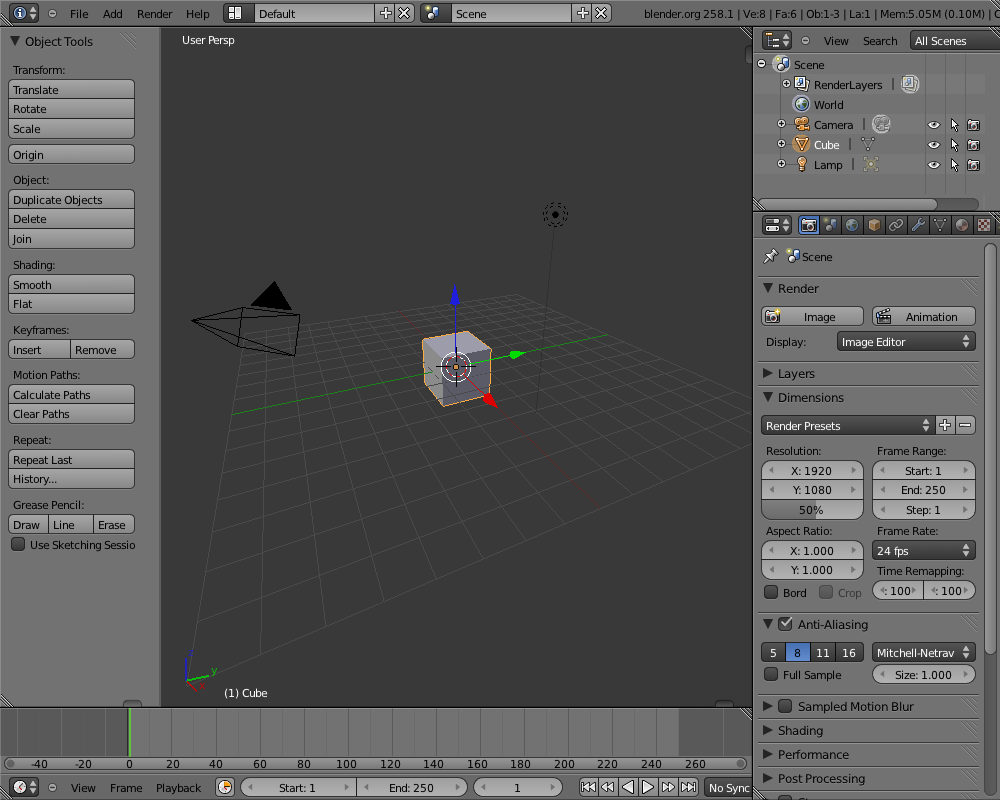
Closed regions didn't always draw the (+) icon right place, confusing
for users.
Next to that, I think this icon is using a bad metaphor or visual language,
Illustrated best if you close a header in outliner or buttons. Icons are
UI widgets, for screen/editor layouts different controls can be stylized.
My preference is something that aligns visually to the seperators between
regions; for testing and hacking pleasure I've added two quick versions,
a small tabbish thing and a triangle. Enable these with debug menu,
ALT+CTRL+D, values 1 or 2.
This is simply drawn with opengl now. An image for it can be made as well.
Previews:
http://www.blender.org/bf/closed_regions1.pnghttp://www.blender.org/bf/closed_regions2.pnghttp://www.blender.org/bf/closed_regions3.png
There's other design ideas to explore as well, like making region deviders
8-10 pixels wide, with a 'drag me' dot on it or so. That takes some screen
estate though, and will require to add big editor-dividers too...
Fun stuff for the mockup-mafia to check on, we have time :)
render strands use the window matrix and window size which were both zero while baking, this caused divides by 0 and eternal malloc loop.
So set unit window matrix and dummy view size.
This is more a workaround then a fix but avoids crashing.
this bug was introduced in 2.58 (r37342), when adding filtering support to imagewrap(), the problem is boxsample was getting float values which were not wrapped as int values are.
Fix for bug found by psy-fi.

* gpu_buffers.c was using GL_ARB_vertex_buffer_object to check for VBO
  support, should be using GLEW_ARB_vertex_buffer_object.
error messages on start. These were coming from initializing the SDL video
subsystem as part of Joystick init. We do not need this, as video stuff is
covered by GHOST, most likely this was conflicting.
On clicking in a non-active Blender window (when you activated others),
the mouse position of the first click was still the old position.

Problem is in GHOST; it sends out the 'activate window' event after the
mouseclick event itself. Code now checks for this case and reads the
correct mouse position.
Toggling options on the selection is better done as a generic operator.
Replace ARMATURE_OT_flags_set and POSE_OT_flags_set with WM_OT_context_collection_boolean_set and use menus to access it with specific settings.

This way its easy make a key shortcut which toggles any boolean on any collection - sequences, metaballs, objects, bones etc.
Fix for bug #27710, 'Multires lost from 2.49 file in 2.5x'
Reported by Gaia Clary.

Problem was that the old multires data didn't flush changes to
vertices out to the Multires structure on filesave. So, recent bits of
sculpting could be lost if the multires level wasn't changed before
filesave.

We already had code to deal with missing multires vertex data, which
simply copies the Mesh vertex data into the multires vertex data if it
matches the number of vertices in the highest level. Moved this code
up a bit so that we always make this copy if the numbers match up.

Was able to reproduce the bug fresh in 2.49b, and confirmed that the
fix works. However, this does not help if changes were sculpted on a
multires level other than the highest level and saved without a
subsequent level change.
- comment/remove assignments from values to themselves.
- add case break statements (no functional change but some source code checkers notice).
- fix python errors when the sculpt brush is None.
lambda_cp_line --> line_point_factor_v3
 lambda_cp_line2 --> line_point_factor_v2

correction to previous commit function name
 isect_seg_sphere_v3 --> isect_line_sphere_v3
 ... since its not clipped.

added a clip argument to the python version of the function.
Thumbnail save for .blend crashed, when being in editmode for a mesh
that has other object users as well. Derivedmesh confusement...

Thanks to Sergey for finding the cause!
Default startup theme used same node header color for "in/out" nodes
as for "inactive or undefined" nodes. This made it impossible to see
which of the output nodes in node setup was 'active'. Made the active
in/out color a slight blueish shade of grey now.
Python:
 * adds bpy.app.handlers which contains lists, each for an event type:
   render_pre, render_post, load_pre, load_post, save_pre, save_post
 * each list item needs to be a callable object which takes 1 argument (the ID).
 * callbacks are cleared on file load.

Example:
 def MyFunc(scene): print("Callback:", data)
 bpy.app.handlers.render_post.append(MyFunc)

C:
 * This patch adds a generic C callback api which is currently only used by python.
 * Unlike python callbacks these are not cleared on file load.
Usage currently is limited to:
- Panel text, widget text and label text style:
  point size, shadow effects

Setting individual fonts to these is not possible yet, it uses the
default for it.

Access goes via outliner now; check "User Preferences". UI team could
add this in userpref scripts :)
This was causing a lot of backward compatibility problems and side effects.

It has to be done properly, linked with Material ObjectColor shader_flag or at least the TF OBCOLOR (which apparently worked at some point so I've been told).
If you need to use OBCOLOR simply keyframe the obcolor and it will work as before.
In addition the billboards can be scaled by the particle velocity with optional head and tail factors (similar to line drawing options). This allows for pseudo-motionblur effects.