 3d7359a38f
When OBJ file contains vertex normals, this can in some cases confuse
the custom loop normals code inside Blender. Since it does not simply
just use custom normals, but rather projects them into "lnor space".
But that "lnor space" calculation can go haywire sometimes, when
degenerate faces are present in the input.

Mark zero-area faces as "sharp" before doing custom normals. This will
make them not try to share the "smooth fan" lnor space with other faces,
and things will look correct.

Previously, OBJ importer was (wrongly) always setting all faces
as "sharp", which avoided this problem, but caused other issues.

Pull Request: https://projects.blender.org/blender/blender/pulls/131041
Blender
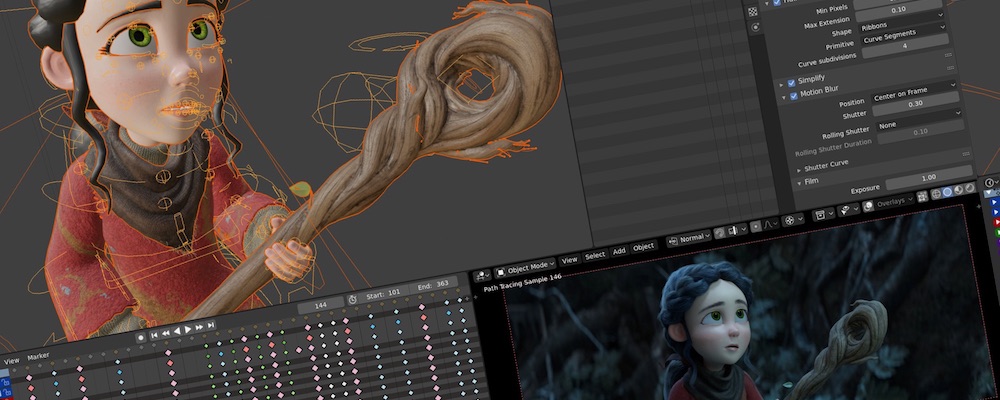
Blender is the free and open source 3D creation suite. It supports the entirety of the 3D pipeline-modeling, rigging, animation, simulation, rendering, compositing, motion tracking and video editing.
Project Pages
Development
License
Blender as a whole is licensed under the GNU General Public License, Version 3. Individual files may have a different, but compatible license.
See blender.org/about/license for details.